Case study Nº 06
Desktop app
LAN Messenger
Office chat over the local network, with no internet and no server.
- Type
- Desktop app
- Stack
- Flutter · Dart · UDP and TCP sockets · AES + HMAC · SQLite
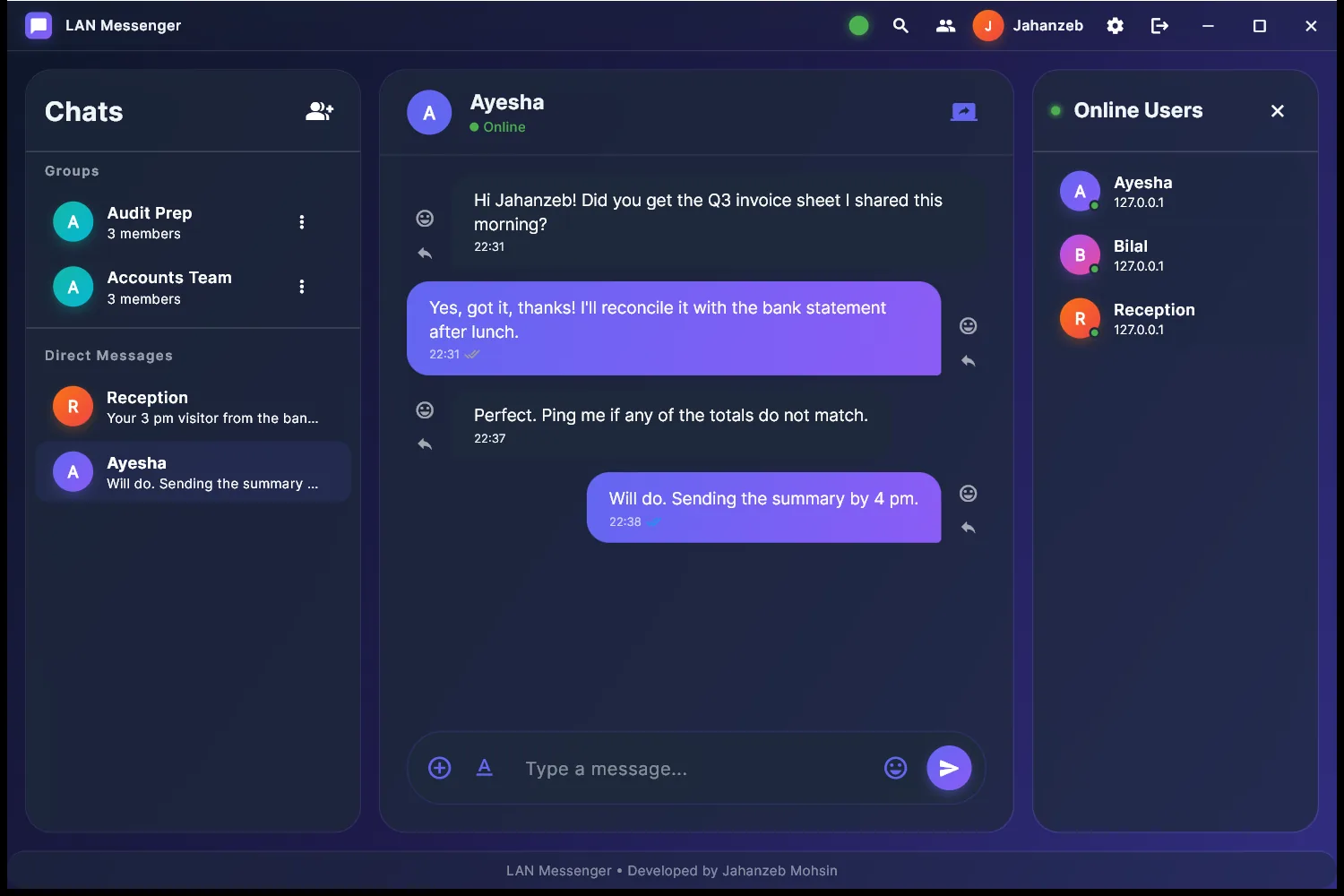
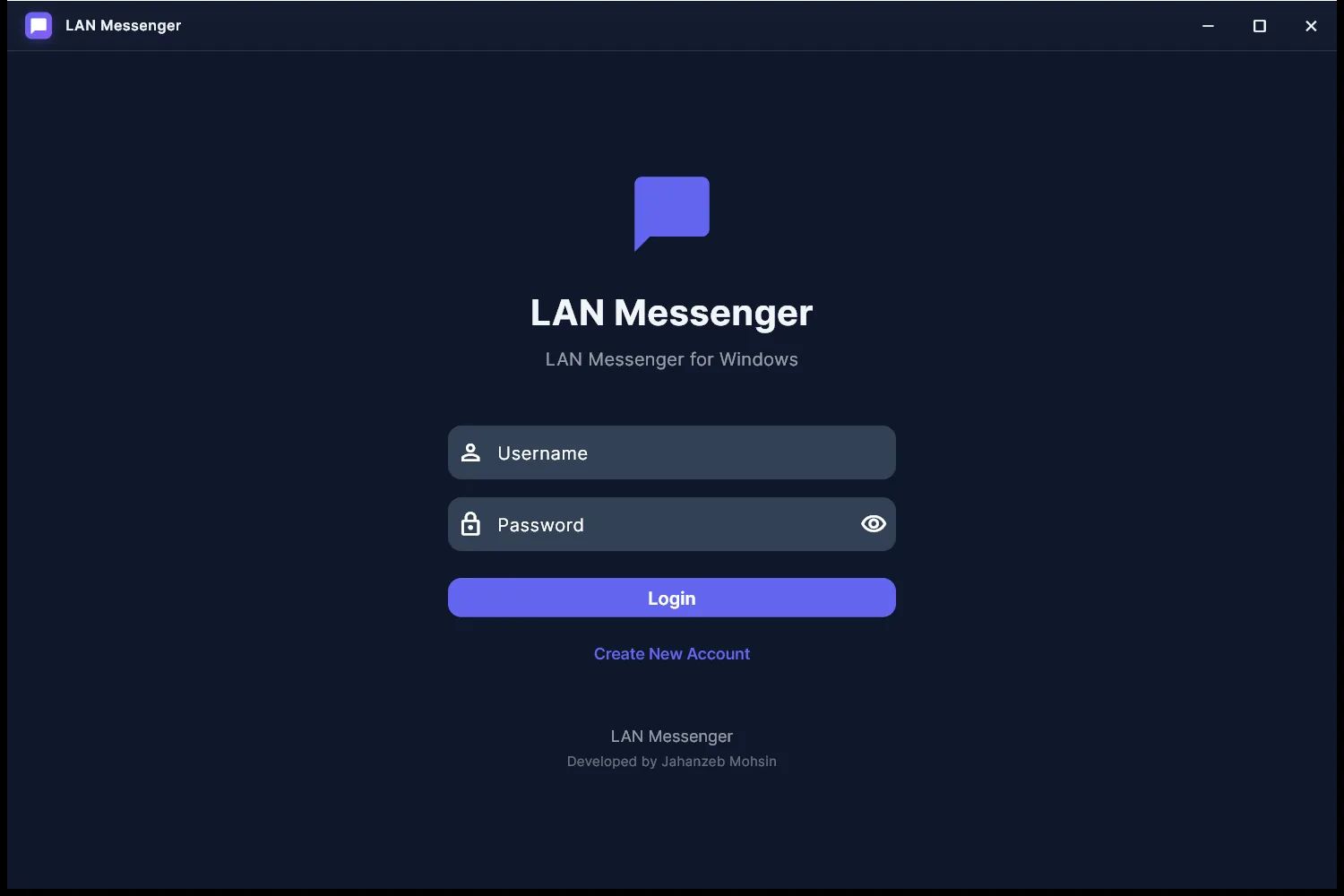
A Windows chat app for offices, labs and classrooms. Computers on the same network find each other automatically and can message, share files and share screens. Messages are encrypted and authenticated.
What it does
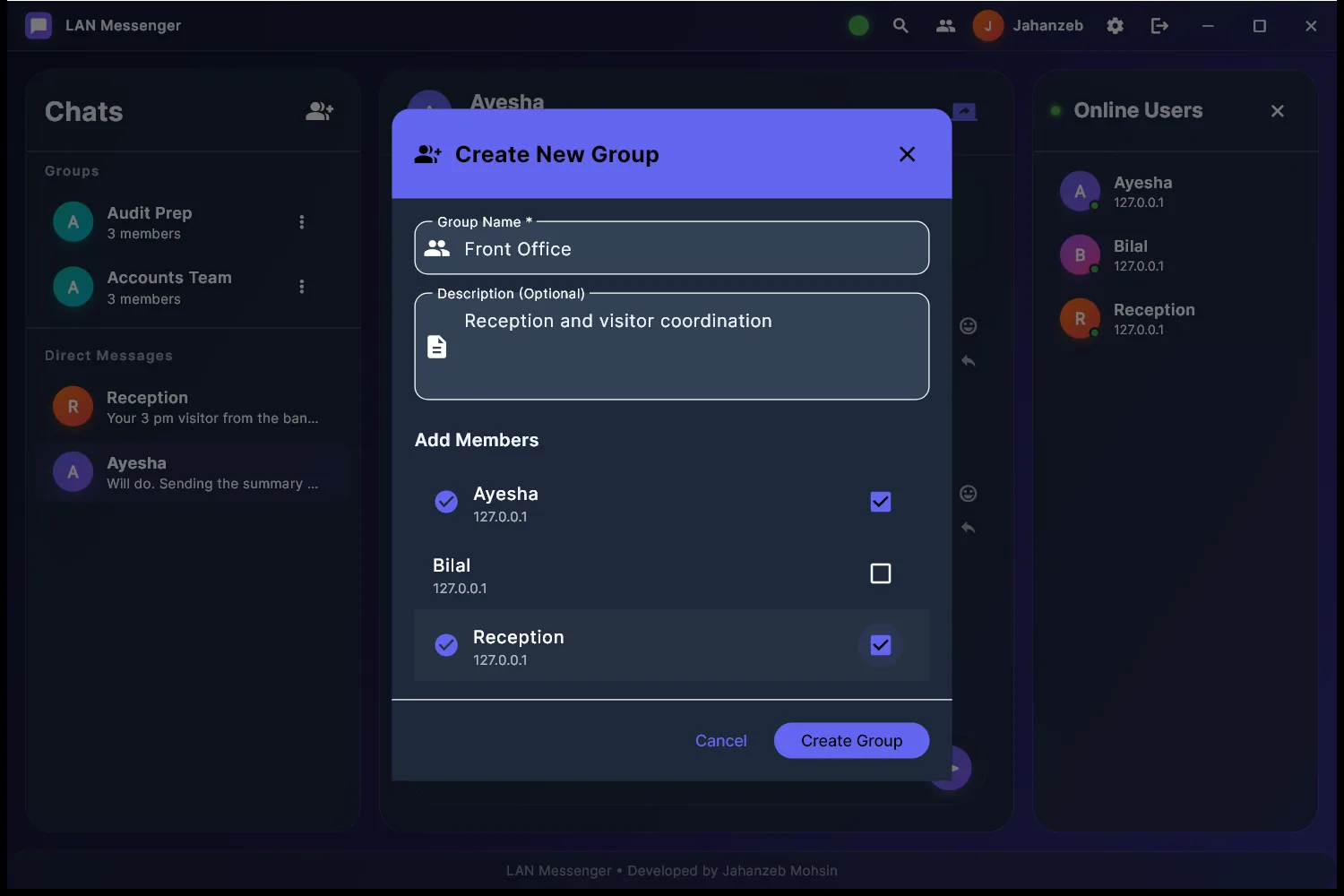
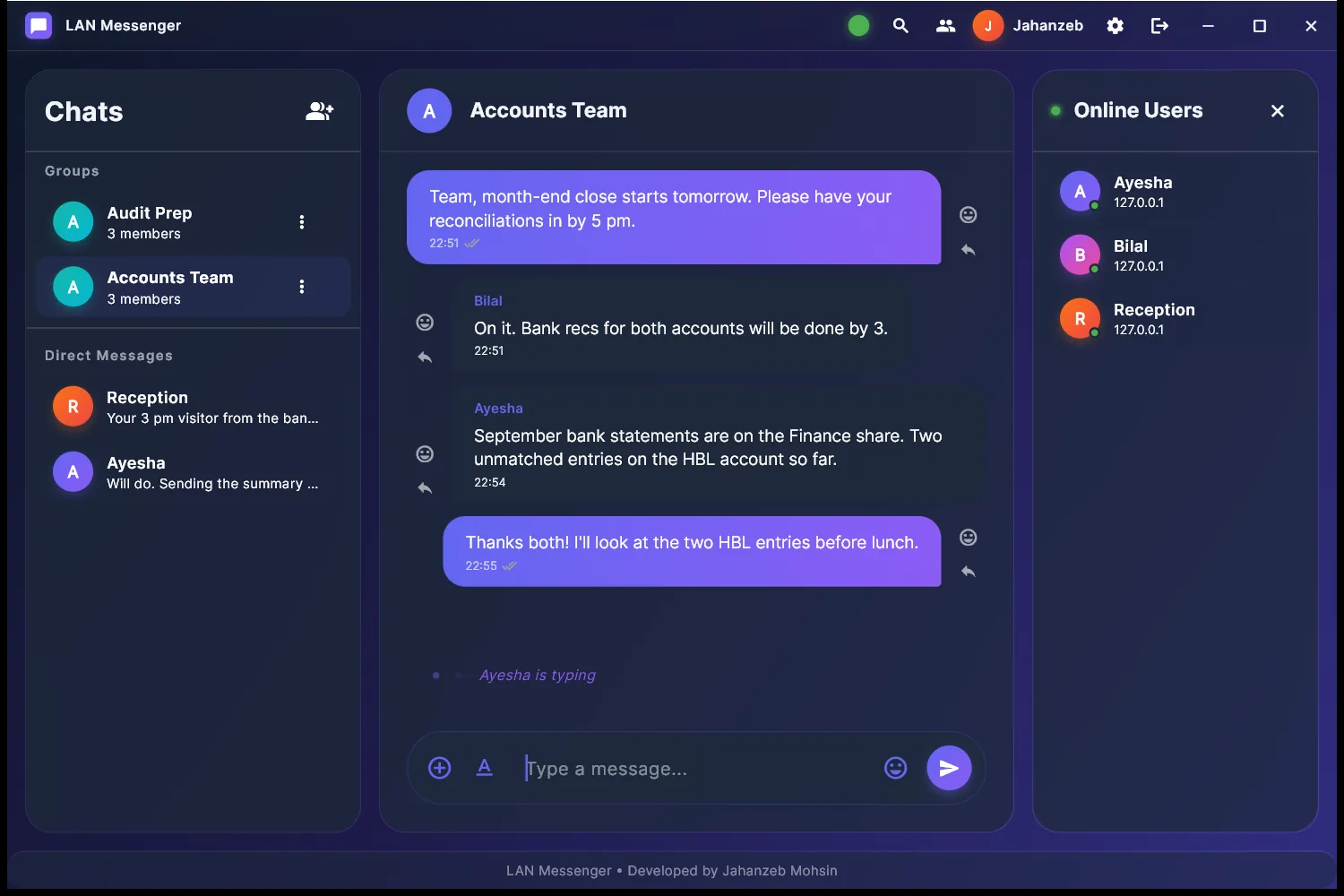
Each copy of the app announces itself on the network, and others appear in the contact list within seconds. From there you get direct and group chats with delivery and read receipts, typing indicators, replies, emoji reactions, formatting and search, plus file transfer and screen sharing. History is stored locally in SQLite.
How it works
Discovery is a UDP broadcast heartbeat every five seconds. Messages and acknowledgements travel over TCP as one JSON object per line. Files go in 64 KB chunks on their own port, and screen sharing is a stream of JPEG frames on another.
Failed sends retry with exponential backoff, and an offline queue delivers them when the other computer comes back. A group message goes to every online member and is stored once. It carries the group name and member list, so someone who has not seen the group yet gets it with the first message.
About the encryption
Message text is encrypted with AES-256-CBC and authenticated with HMAC-SHA256, checked in constant time. The key comes from a pre-shared passphrase that every copy uses. That keeps traffic unreadable to other software on the network, but it is not end-to-end encryption, and the README says so.
Plates