Case study Nº 07
Desktop app
Notes Vault
An encrypted home for the passwords and commands that end up in plain text files.
- Type
- Desktop app
- Stack
- Tauri · Rust · React · TypeScript
- Origin
- Personal project, built to learn Rust
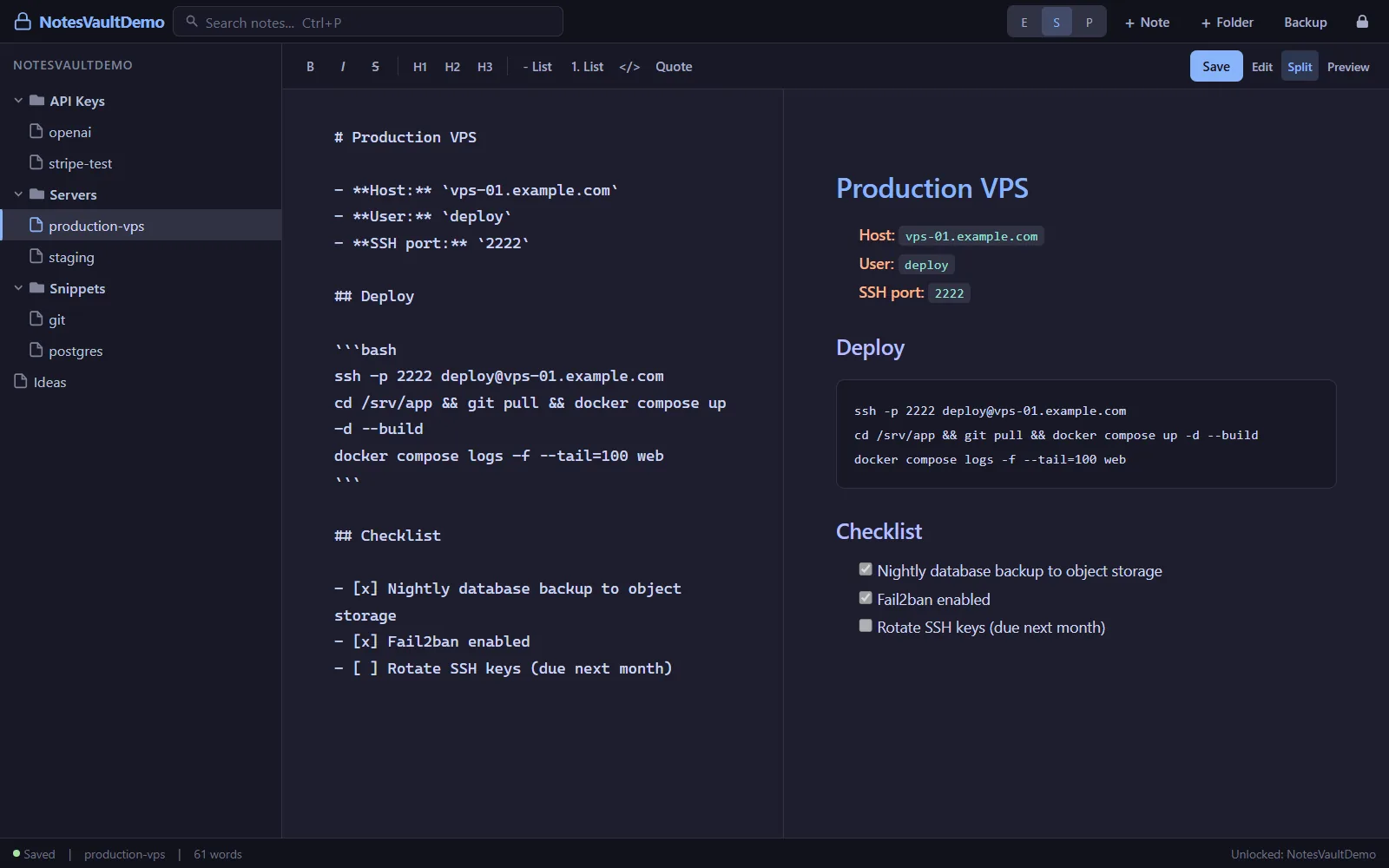
A desktop app for keeping credentials, API keys, server commands and notes in Markdown, encrypted on disk. Each note is encrypted with AES-256-GCM, and the key never leaves the Rust side of the app.
What it does
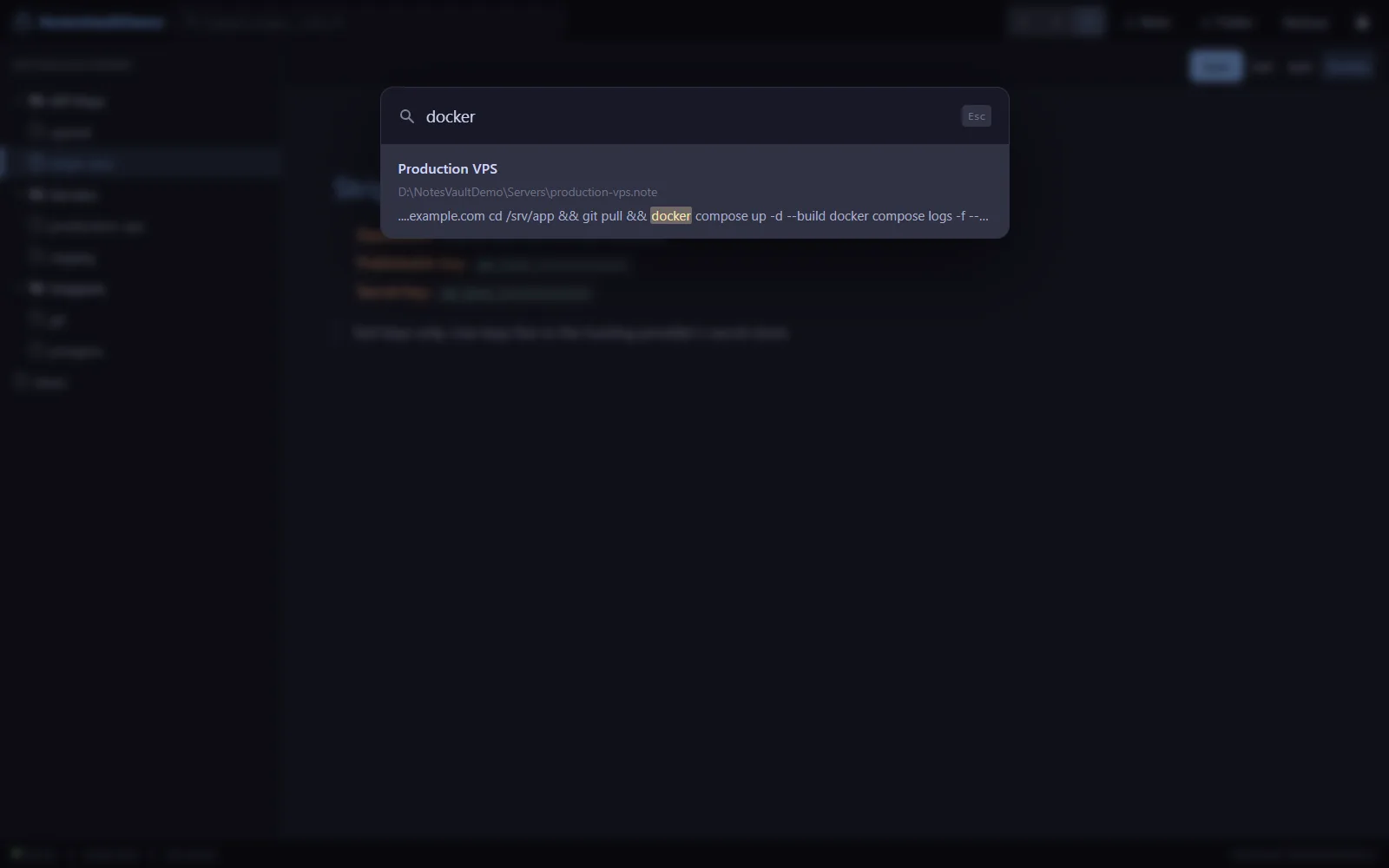
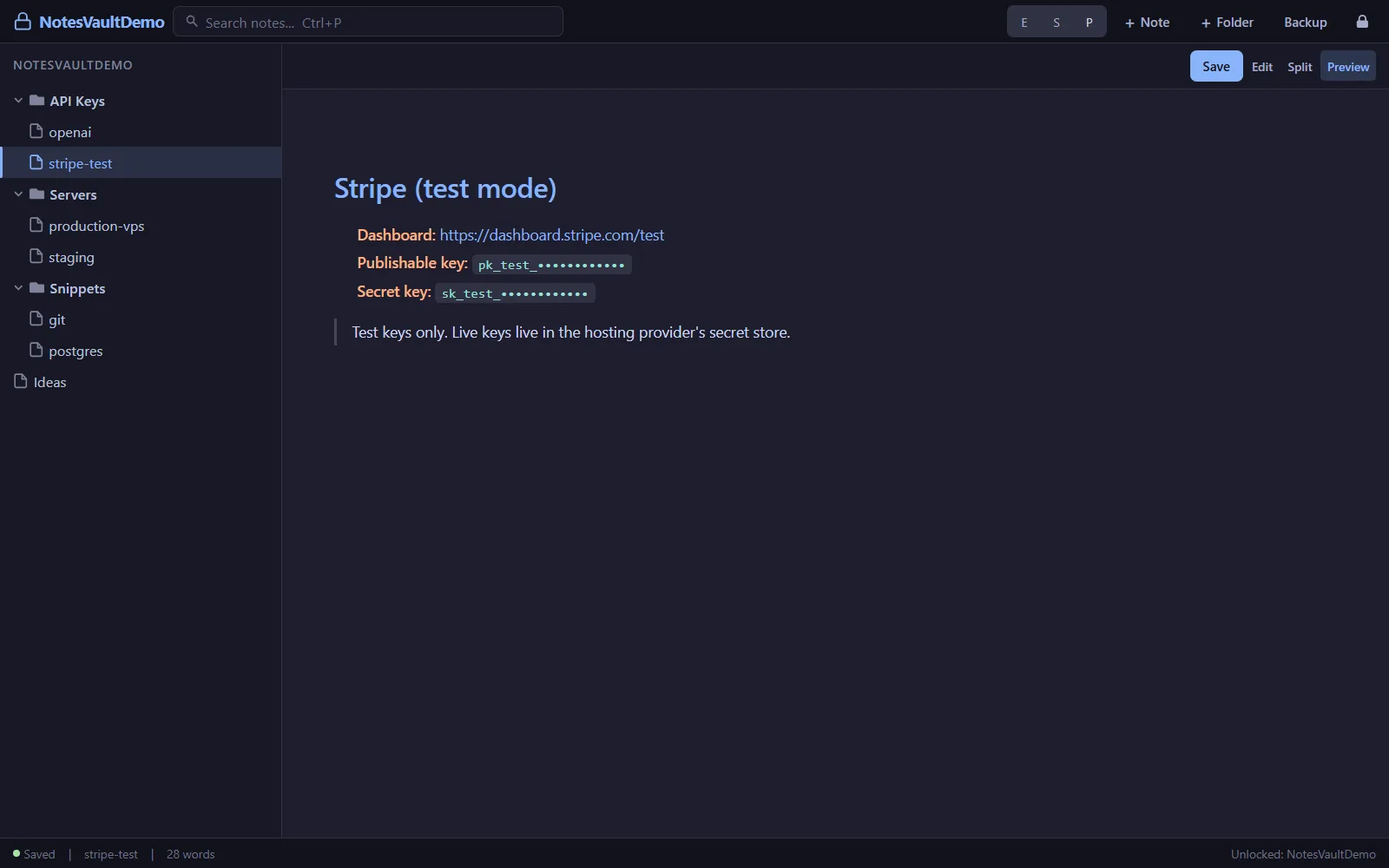
Notes live in a folder tree with a Markdown editor, a split view and a live preview. There are templates for credentials, API keys and commands, full-text search after unlocking, keyboard shortcuts for the common actions, and the vault locks itself after 30 minutes without use.
How the encryption works
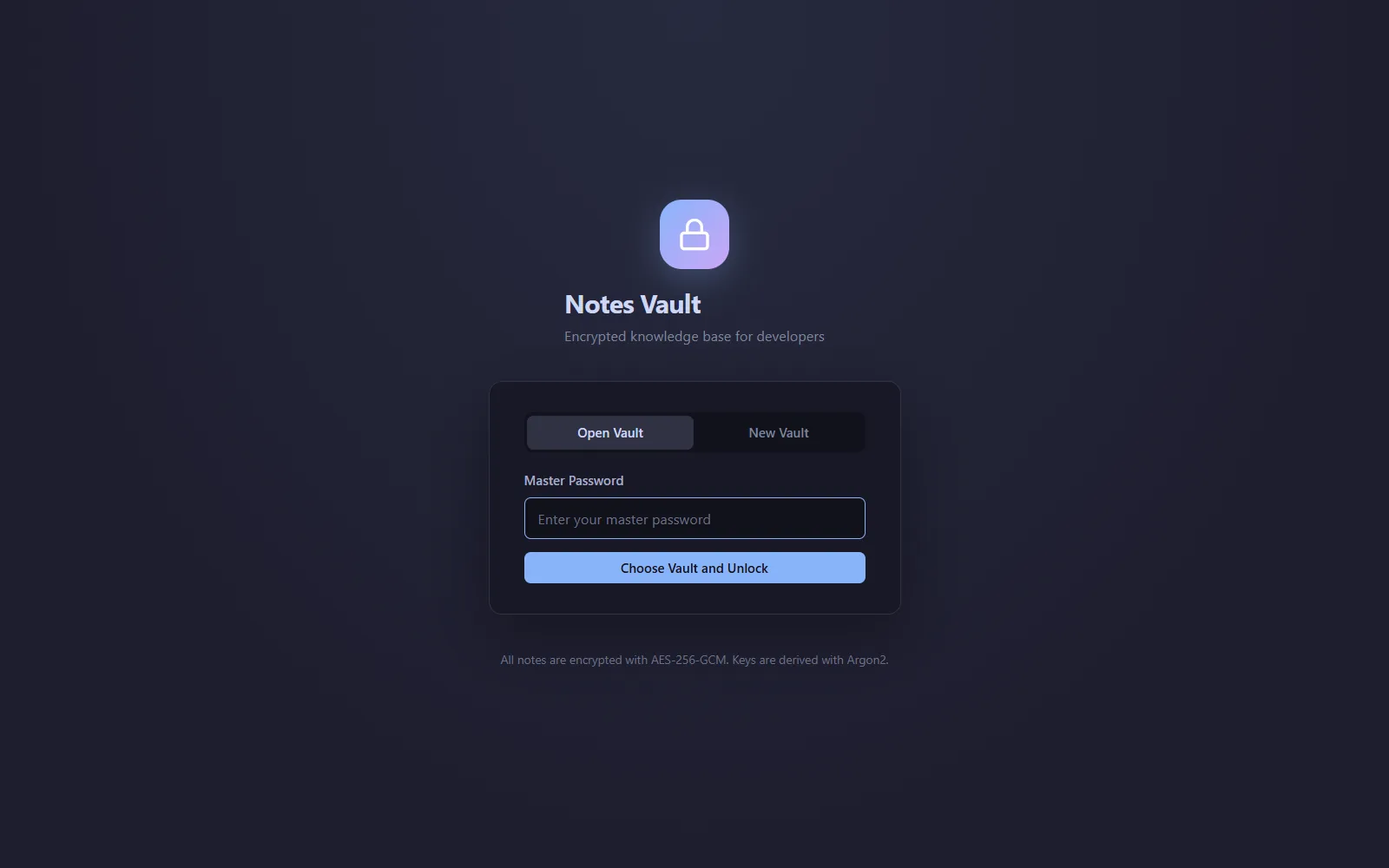
The master password is never stored. A key is derived from it with Argon2id (64 MiB of memory, 3 iterations), and a random salt plus an encrypted check value confirm it on unlock. Every write encrypts the note with AES-256-GCM and a fresh random nonce.
All of this runs in Rust. The key is held only in Rust app state and wiped from memory when the vault locks, and the React interface only receives decrypted text through Tauri commands while the vault is open.
Plates