Case study Nº 03
Web app
AI Support Ops Copilot
Drafts support replies from your own docs, with a person approving every one.
- Type
- Web app
- Stack
- Next.js · TypeScript · PostgreSQL · pgvector · Prisma · OpenAI
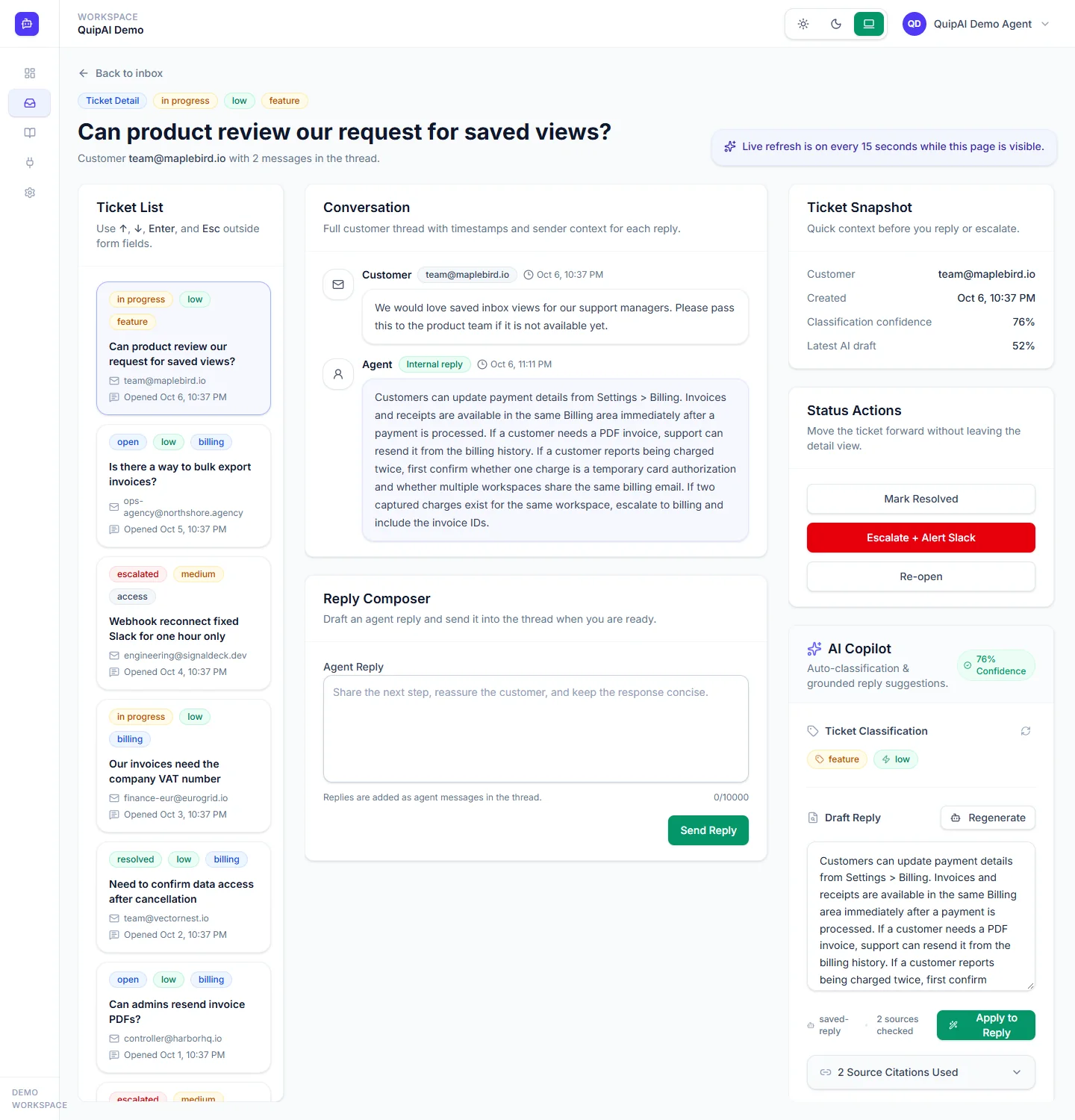
A support tool that answers tickets from a company's own documentation and FAQs, cites the passages it used, and pulls the customer's Stripe details into the ticket. Every reply is a draft until someone approves it.
What it does
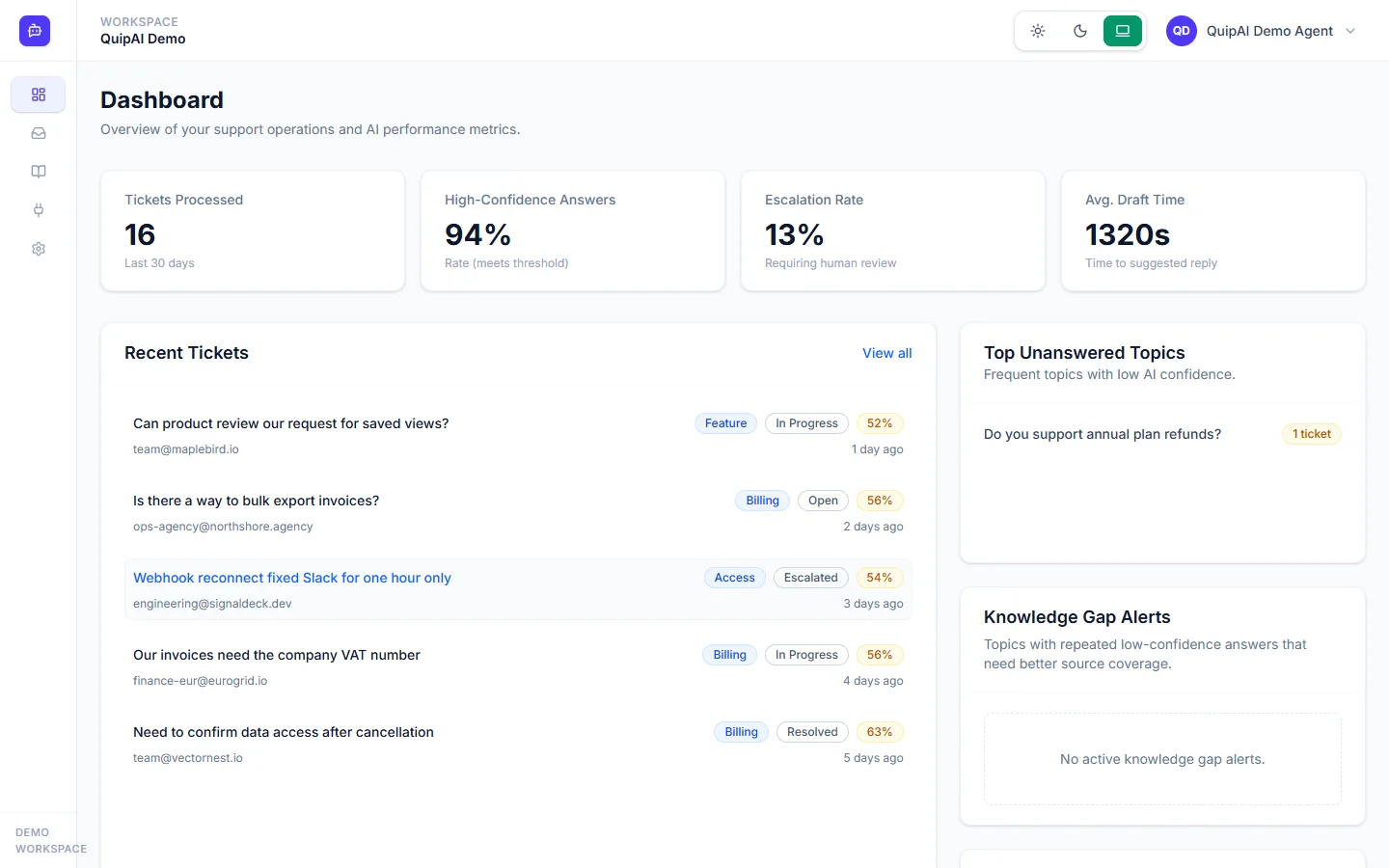
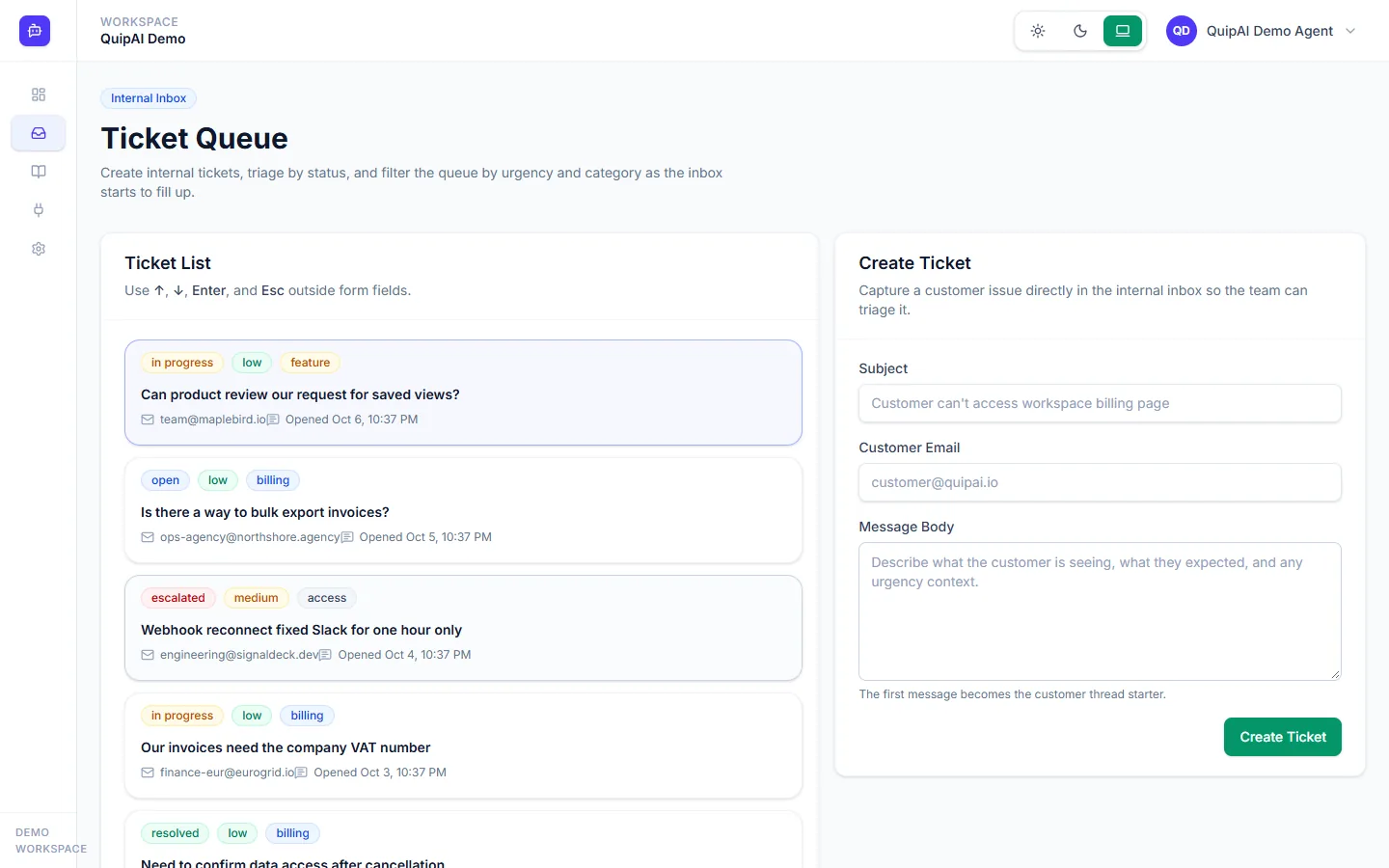
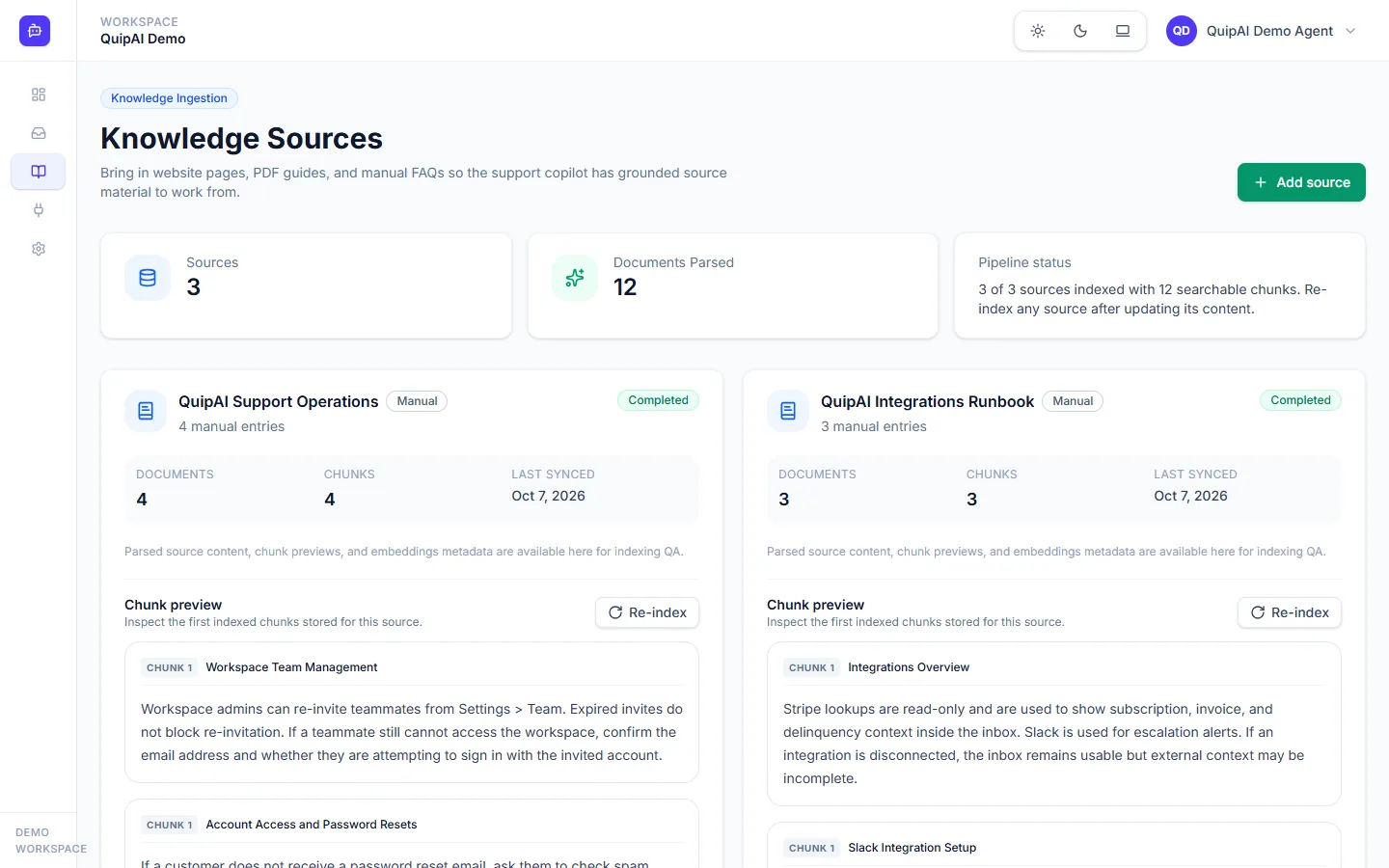
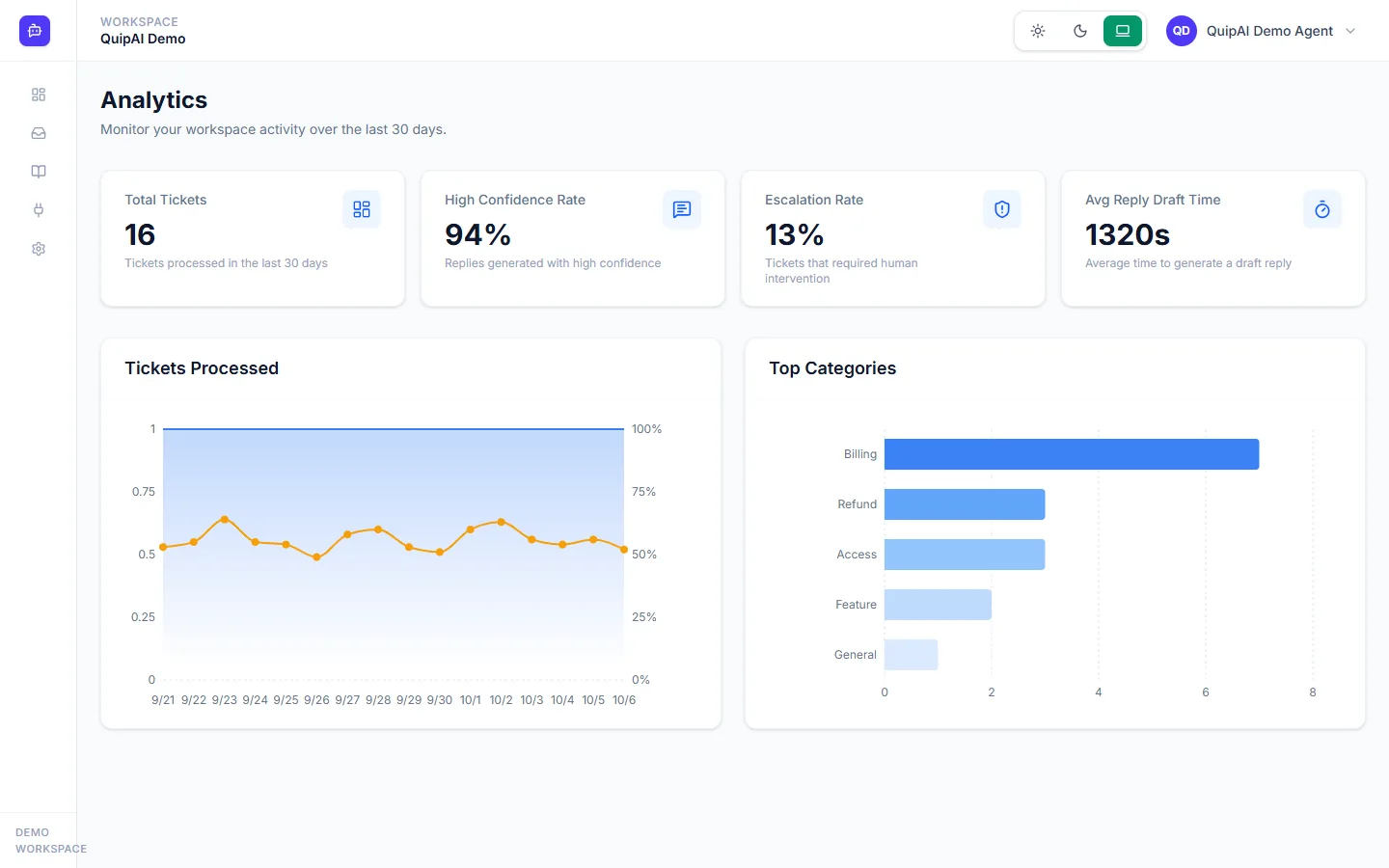
A team adds its knowledge by crawling a sitemap, uploading PDFs or typing in question and answer pairs. When a ticket arrives, the app classifies it by category and urgency, drafts a reply grounded in that knowledge, and shows which passages the draft came from along with a confidence score.
Tickets with low confidence or sensitive topics are flagged for a person and announced in Slack. Next to each ticket, the agent sees the customer subscription and invoices from Stripe through a read-only key.
How retrieval works
Content is split into chunks of about 500 tokens with a 50-token overlap, embedded with text-embedding-3-small and stored in PostgreSQL with pgvector. At ticket time the ticket is embedded, the closest chunks are found by cosine similarity, and only those go into the prompt.
Different jobs use different models: a small one for classification and escalation decisions, a larger one for writing answers.
Decisions worth mentioning
The AI only writes suggestions. A reply is added to the ticket when an agent posts it, and the app records who approved the draft. Stripe is connected with a read-only key, so nothing there can be changed from the app.
The app is multi-tenant, and every API route checks that the user belongs to the workspace. Without an OpenAI key it falls back to deterministic embeddings and answers, so the whole app can be run and tested locally for free.
There are unit and integration tests in Vitest, plus scripts that check retrieval ranking and the quality of grounded answers.
Plates